
WORDPRESS SEO SERVICES
WordPress SEO Services for Sites That Deserve to Rank Higher
WordPress powers a huge share of business websites in Pakistan — and most of them are held back by the same problems: heavy themes, plugin conflicts, slow hosting and half-configured SEO settings. We fix the WordPress side of SEO properly, so your content can finally compete.
What Is WordPress SEO?
WordPress SEO is the practice of configuring and optimising a WordPress website so search engines can crawl it quickly, understand it clearly and rank it well. It covers SEO plugin setup, permalink structure, theme and page-builder performance, plugin conflicts, caching, image handling, schema, archive pages and on-page content. WordPress is SEO-friendly out of the box, but every theme and plugin you add changes that — which is why expert setup matters.
WHY WORDPRESS
WordPress Is SEO-Friendly — Until It Isn’t
WordPress gives you clean URLs, easy editing and excellent SEO plugins out of the box. That is why so many Pakistani businesses use it. The problems start as sites grow: a heavy theme here, a page builder there, a dozen plugins added over the years, and a hosting plan chosen only on price.
Each addition is small on its own. Together they create slow pages, duplicate tags, conflicting sitemaps and settings nobody remembers changing. Our WordPress SEO service untangles all of that and gives you a fast, clean foundation that is easy to maintain.
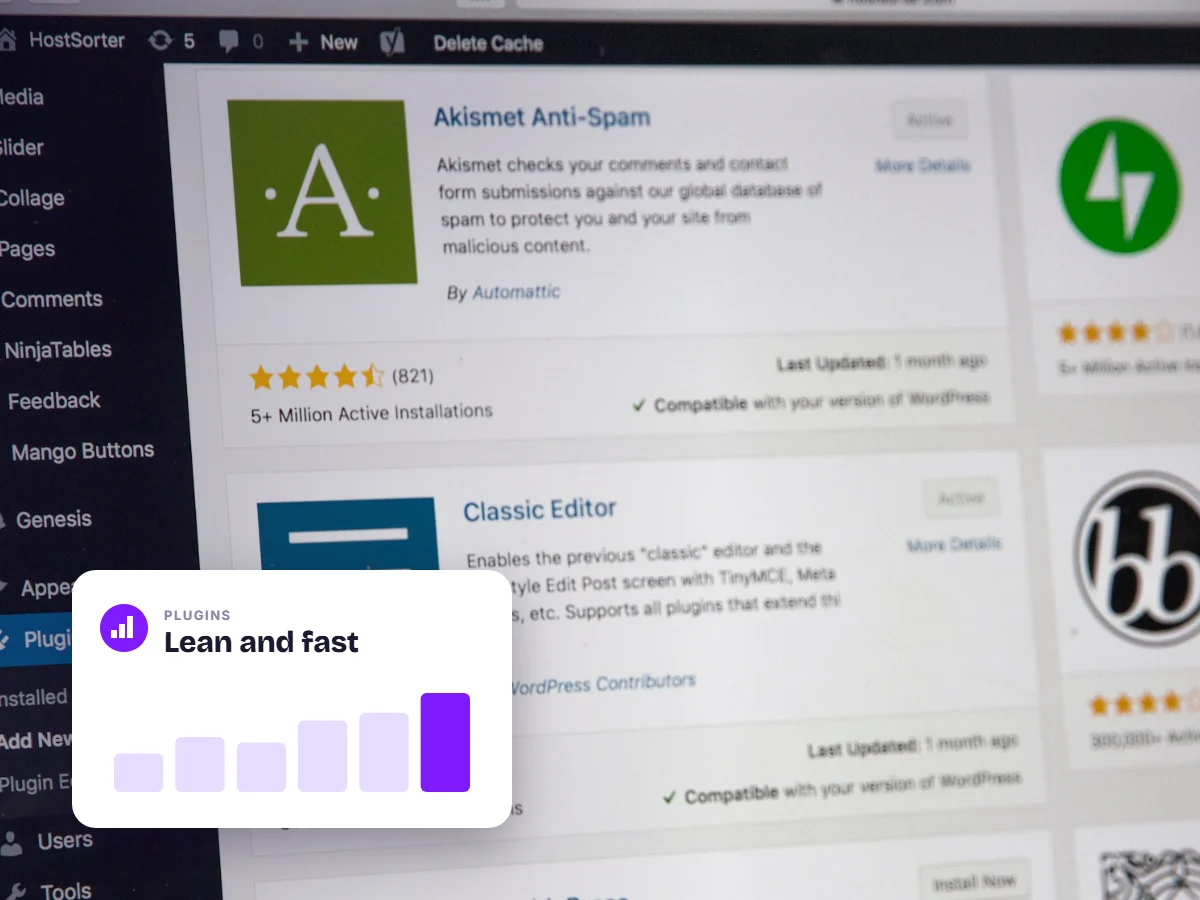
WHY WORDPRESS NEEDS EXPERT SEO
A Great Platform, Easily Misconfigured
The same flexibility that makes WordPress popular makes it easy to slow down and confuse search engines.
1 setting
“Discourage search engines” can remove your entire site from Google
1 SEO plugin
running two SEO plugins creates duplicate tags and conflicting sitemaps
Caching
a proper caching and CDN setup is often the biggest speed win on WordPress
Archives
tag, category and author archives can create hundreds of thin duplicate pages
WHAT’S INCLUDED
Our WordPress SEO Services
URL & Permalink Structure
Clean, keyword-friendly URLs with proper redirects for any changes.
Plugin & Theme Audit
We find the plugins and builder features slowing your site or breaking SEO.
SEO Plugin Configuration
Rank Math or Yoast set up properly — titles, sitemaps, schema, breadcrumbs and indexing rules.
Content & On-Page SEO
Posts and pages optimised for keywords, intent, headings and internal links.
Index & Archive Clean-up
Thin tag, category, author and attachment pages handled so they don’t dilute quality.
Speed & Core Web Vitals
Caching, image optimisation, lazy loading, script clean-up and hosting recommendations.
PLUGINS & TOOLS
The WordPress Stack We Recommend
| Need | What we typically use | Notes |
|---|---|---|
| SEO settings | Rank Math or Yoast | Use one only — never both |
| Caching | LiteSpeed Cache or WP Rocket | Depends on your hosting server |
| Images | EWWW, ShortPixel or Imagify | Compression and WebP conversion |
| Backups | UpdraftPlus or WPvivid | Daily off-site backups before any change |
| Security | A reputable security plugin plus updates | Hacked sites lose rankings fast |
| Page building | Gutenberg blocks or a lightweight builder | Heavy builders slow Core Web Vitals |
Recommendations depend on your hosting and site. We audit before changing anything.
HOW WE WORK
Our WordPress SEO Process
WordPress SEO Audit
We review settings, theme, plugins, speed and content across your whole site.
Fix & Configure
We configure your SEO plugin, fix conflicts, clean up indexing and speed things up.
Optimise Content
Key pages and posts are optimised for the searches that bring customers.
Maintain & Report
Monthly checks after WordPress, theme and plugin updates, plus clear reporting.
MAINTENANCE
Monthly WordPress SEO Maintenance We Handle
- Core, theme and plugin updates tested so nothing breaks your SEO settings.
- Broken link and 404 checks with redirects set up where needed.
- Speed monitoring after updates, new plugins or new content.
- Index coverage checks in Google Search Console.
- Schema validation so rich results keep working.
- Security and backup checks because a hacked site can disappear from Google.
WHAT WE FIX
WordPress SEO Issues We Find Most Often
These problems appear on most WordPress sites we audit in Pakistan.
Plugin Conflicts and Duplicate Meta Tags
Two SEO plugins, or a theme and a plugin, both output titles and schema — confusing Google.
Bloated Page Builders
Heavy builders load large CSS and JavaScript files on every page, slowing Core Web Vitals.
Poor Permalink Settings
URLs with dates, IDs or “?p=” parameters waste keyword relevance.
Unoptimised Images
Large uploads without compression or lazy loading slow every page.
Thin Archive Pages
Hundreds of tag and author pages with little content dilute your site’s quality.
Missing or Broken Schema
Schema errors or missing structured data stop you from earning rich results.
WHY ONERANKED
WordPress SEO From a Team That Uses It Daily
We build and optimise WordPress sites every day — including our own.
A dedicated strategist on every account — one person who knows your business and answers your questions directly.
You own all the data — Search Console, GA4 and your Business Profile stay in accounts you control.
100% white-hat SEO — no cheap link packages, so your rankings survive every Google update.
Founder-led SEO backed by 2,100+ hands-on projects — proven experience you get from day one.
EXPERT TIP
The fastest WordPress sites we work on usually have fewer plugins, not more. Before installing something new, ask whether your theme or an existing plugin already does the job.
— Umer Hassan, CEO, OneRanked
AVOID THESE
Common WordPress SEO Mistakes
Installing a plugin for everything
Each plugin adds code. We often speed sites up by removing plugins, not adding them.
Leaving default “Sample Page” and “Hello World” content
Leftover demo content looks unprofessional and creates useless pages in Google.
Never updating WordPress or plugins
Outdated software slows sites, causes errors and creates security risks.
Using cheap shared hosting
Slow servers undo every other speed optimisation.
WOOCOMMERCE
Running a Store on WooCommerce?
WooCommerce adds its own SEO challenges: product attributes and filters that create duplicate URLs, slow cart and checkout scripts loading on every page, and product categories with no helpful content.
We configure WooCommerce for search — clean category structures, indexing rules for filters, product schema and faster product pages — as part of our e-commerce SEO services.
COMMON QUESTIONS
WordPress SEO: Questions, Answered
How much do WordPress SEO services cost?
Cost depends on your site’s size and condition, so we audit first and then quote.
See our SEO pricing & packages for what each plan includes.
Which is better for SEO, Rank Math or Yoast?
Both work well when set up properly. What matters most is using only one and configuring it correctly.
We set up whichever you prefer, or recommend one based on your site.
Is Elementor or another page builder bad for SEO?
Page builders are not bad for SEO, but they can slow sites if used carelessly.
We optimise builder sites for speed without forcing a rebuild.
Do you work on WooCommerce sites?
Yes. We optimise WooCommerce stores for categories, products, speed and schema.
See our e-commerce SEO services for more.
Will you need admin access to my WordPress site?
Yes, we need an admin or editor account to make SEO changes.
We create our own user account, so you never need to share your password, and you can remove it anytime.
Can you make my WordPress site faster?
Yes. Speed optimisation is part of every WordPress SEO project.
We focus on real-world loading speed for mobile visitors, not just test scores.
Curious What WordPress SEO Costs?
See our transparent packages — no hidden fees, no long lock-in contracts.
View Pricing →KEEP EXPLORING
Related SEO Services & Resources
FREE, NO-OBLIGATION AUDIT
Find Out What’s Holding Your WordPress Site Back
We’ll check your settings, plugins and speed, then show you the fixes that matter most — free.